Stunning generative AI prompts for Gemini, Bing Image Creator, ChatGPT, and DALL-E. Copy, paste, and create viral AI images in seconds.
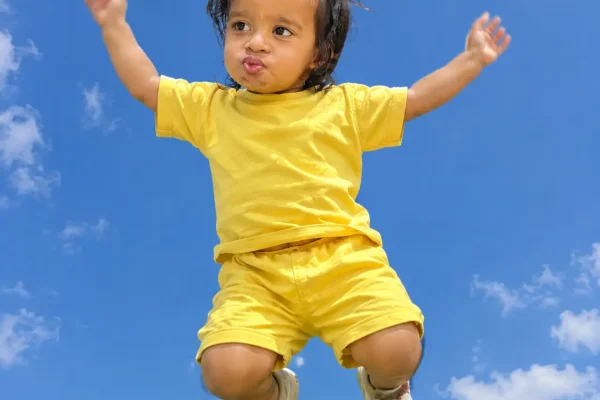
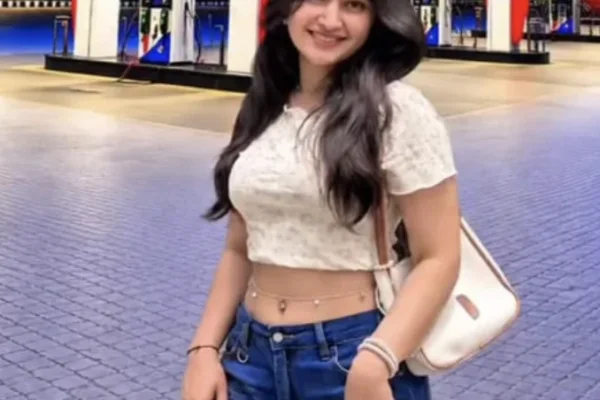
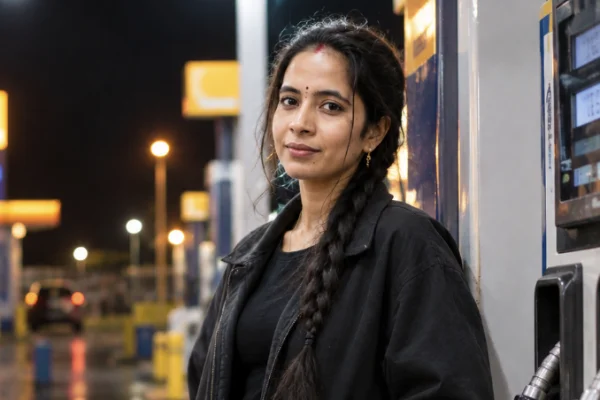
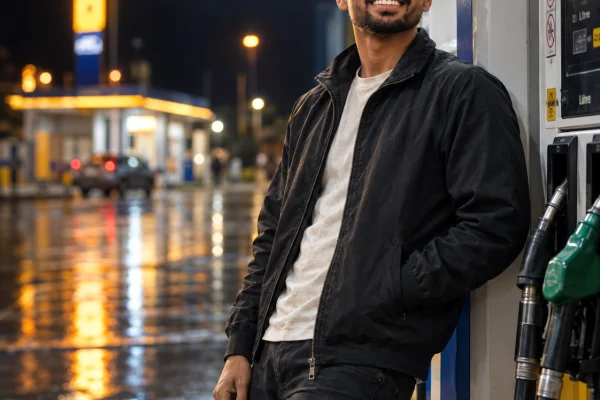
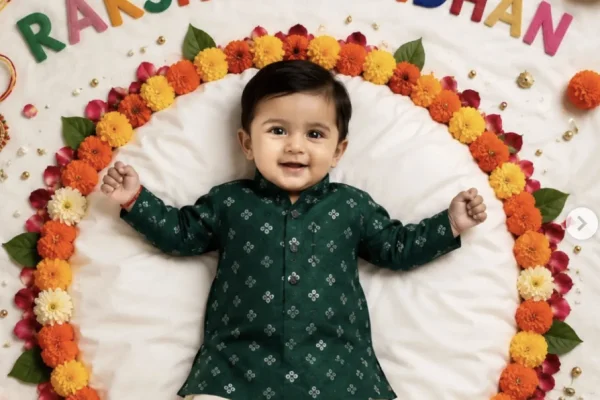
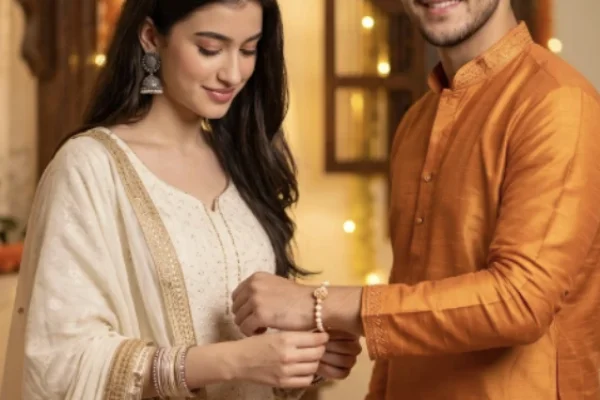
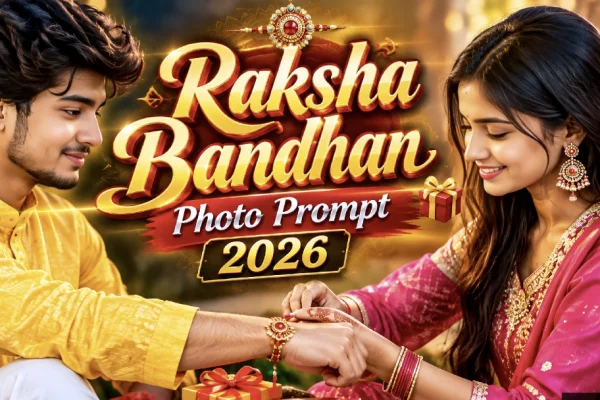
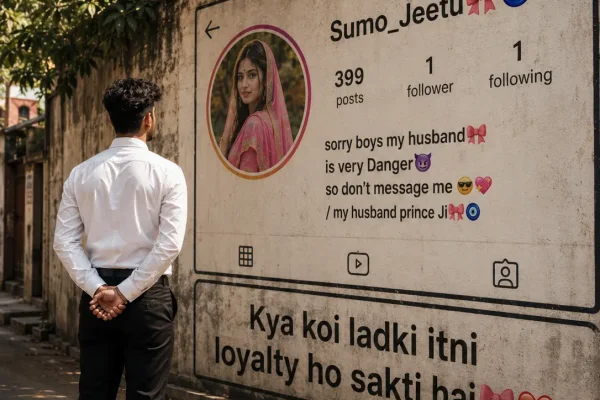
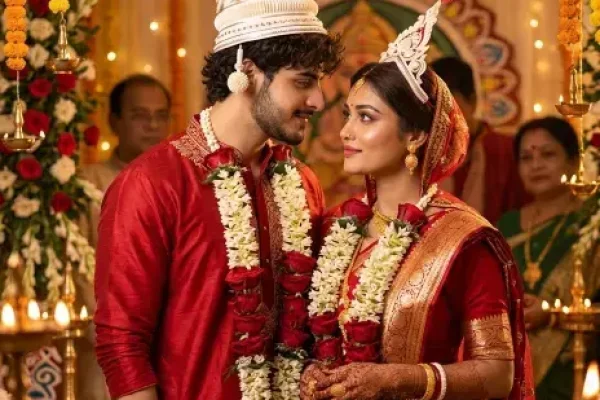
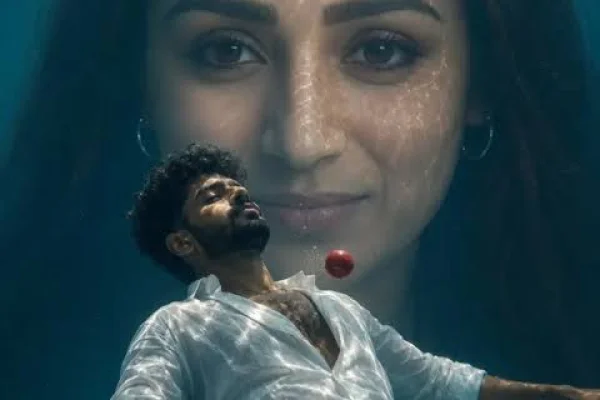
Browse the prompts above and open the style you want — a night petrol-pump shoot, a wedding portrait, a Raksha Bandhan photo and more.
Tap the Copy button on the prompt page. The full text is copied, including the lines that control lighting, pose and camera angle.
Open Gemini or ChatGPT and attach a clear, front-facing photo of yourself. For couple or sibling prompts, use one photo where every face is clearly visible.
Paste the prompt and change the details you like — outfit colour, background, time of day. Keep the line that says to keep your face unchanged.
If the face, hands or text look off, regenerate or reply with one small correction at a time, like “keep my face exactly the same as the uploaded photo”.
Most “it doesn’t look like me” results come from the input photo, not the prompt. AI models copy what they can see: a blurry, dark or heavily filtered selfie gives the model very little of your real face to work with, so it fills the gaps by guessing.
Treat the prompt as a starting point. Once you get a result you like, change only one thing per message — the lighting, the outfit or the background — so the parts that already look right stay the same.
Moody neon-lit portraits at a fuel station, with poses written to look natural instead of stiff.
Raksha Bandhan, wedding and festive looks with traditional outfits, jewellery and warm lighting.
Low-angle sky shots, underwater scenes, vintage mirror couples and realistic Instagram-wall profile photos.