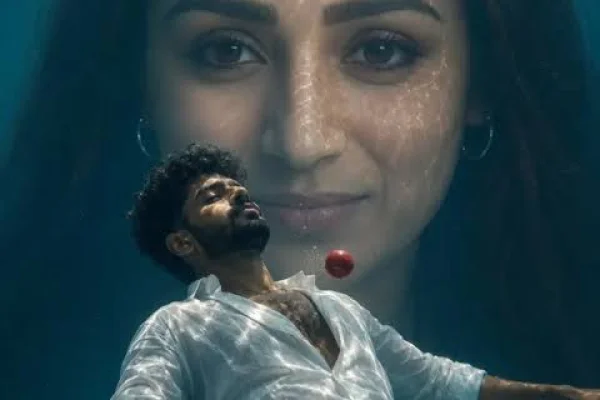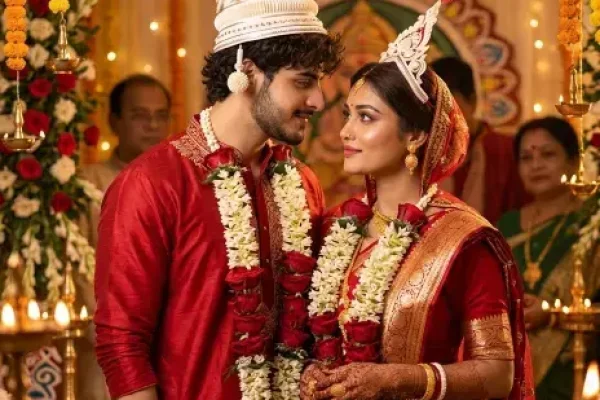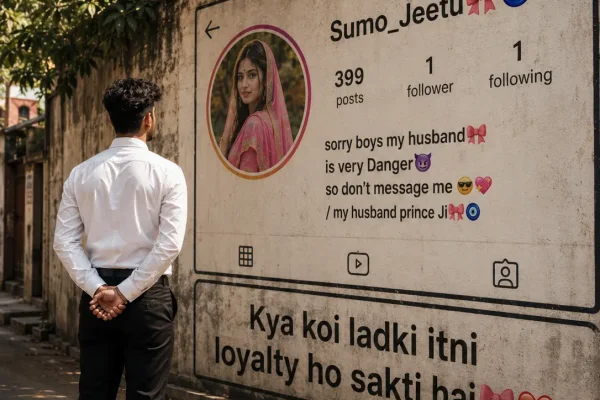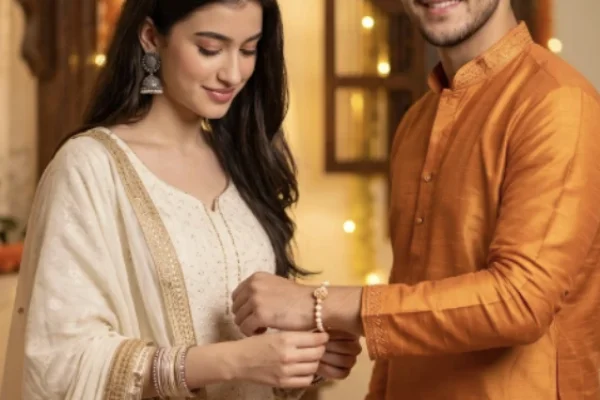
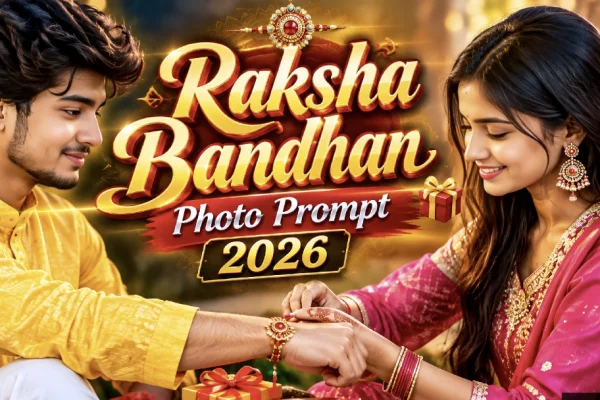
With Raksha Bandhan falling on Friday, 28 August 2026, a specific kind of AI photo trend has taken over feeds in the days leading up to it — realistic, personalized brother-sister portraits built from an actual uploaded photo rather than generic festival clip art. This guide covers what actually makes these prompts work, ready-to-use versions across different styles, and the small details that separate a convincing result from an obviously artificial one.
Why These Prompts Work Differently From a Generic Festival Filter
A basic festival filter applies the same overlay to everyone. These prompts do something different — they use your actual uploaded photo (or two photos, one per sibling) as a strict identity reference, then reconstruct the scene around your real faces rather than replacing them. That distinction matters: without an explicit instruction to preserve facial identity, AI tools default to generating a generic, "improved" face, which is exactly why a lot of first attempts end up looking like strangers rather than the actual siblings in the photo.
Ready-to-Use Prompts
Why Identity-Preservation Language Matters So Much Here
- "Strict facial reference" / "exact identity reference" tells the model not to blend in generic features — the single biggest reason results stop looking like the actual siblings.
- "No beautification, no reshaping" counters the AI's default tendency to smooth skin and adjust proportions toward a generic "ideal" face.
- Specific outfit and prop detail (thali, diya, rakhi color, fabric type) produces far more accurate festive scenes than a vague "traditional Indian outfit" instruction.
- "Candid rather than stiff posing" helps avoid the overly rigid, mannequin-like results that vague prompts often produce.
How to Use These Prompts Step by Step
- Choose a clear, well-lit, front-facing photo of each sibling (or one combined photo if available).
- Open ChatGPT or Gemini and upload the photo(s).
- Paste your chosen prompt, adjusting outfit colors or scene details if you'd like.
- Generate the image, and regenerate 2-4 times if either face doesn't match closely enough — this is normal for portrait-accuracy prompts.
- Compare versions side by side and pick the one where both faces look most accurate before finalizing outfit or background details.
Common Mistakes to Avoid
- Skipping the identity-lock instruction entirely. This is the most common reason results look like different people.
- Using a blurry or angled reference photo. Clear, front-facing photos give the AI far more accurate material to work with.
- Overloading one prompt with too many scene elements. Combining a poster layout, a tying ceremony, and a gift exchange in one request tends to confuse the output.
- Accepting the first result without comparing a few versions. Portrait-accuracy prompts typically need a couple of regenerations before both faces land correctly.
Frequently Asked Questions
Q1. When is Raksha Bandhan in 2026?
Friday, 28 August 2026.
Q2. Do I need a paid AI tool for these prompts?
No, free-tier ChatGPT or Gemini access is enough for all of these.
Q3. What if I only have a photo of myself, not my sibling?
Some prompts, like the long-distance version above, can generate a natural-looking sibling while keeping your own uploaded face 100% identical.
Q4. Why does one sibling's face look accurate but not the other's?
This usually happens when one reference photo is clearer than the other — using two equally sharp, well-lit photos improves consistency.
Q5. Can I add text like the date directly onto the image?
Yes, the poster-style prompt above includes text overlay instructions, though you can also add text afterward using a separate design tool if the AI-generated text doesn't render cleanly.
Conclusion
The Raksha Bandhan AI photo trend works best when the prompt does two things well: locks in your actual facial identity, and describes the festive scene with real specificity rather than vague terms. Use a clear reference photo, keep the "no beautification, strict facial reference" language in every prompt, and you'll get a result that looks like an actual celebration with your real sibling, not a generic AI-generated pair.