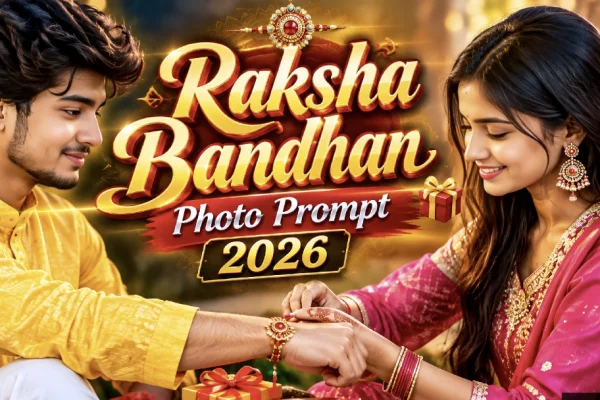
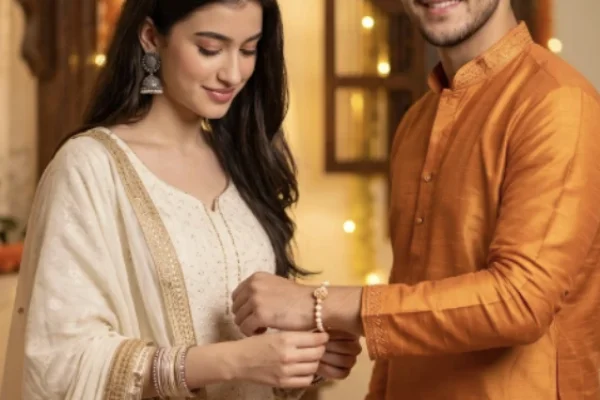
Beyond the standard rakhi-tying scene, there's a whole range of Raksha Bandhan AI photo styles worth trying this year — from restoring an old family photo's nostalgic warmth to a solo festive portrait for sisters who want their own dedicated moment. Here are five genuinely different styles, each built around the same core principle: locking in your real facial identity before adding any festive detail.
What Makes These Different From Generic Prompts
- The vintage restoration prompt deliberately uses a specific technical texture and color instruction ("sepia-tinted," "worn photo-paper border") rather than just saying "make it look old" — vague aging instructions tend to produce inconsistent, patchy results.
- The solo sister prompt fills a real gap — most Raksha Bandhan content defaults to brother-sister pairs, leaving sisters without a solo festive option of their own.
- The multi-panel prompt requires an explicit consistency instruction across all panels, since AI tools can otherwise generate the same person looking noticeably different from panel to panel.
How to Use These Prompts
- Choose a clear, well-lit, front-facing photo of each person involved.
- Open ChatGPT or Gemini and upload the photo(s).
- Paste your chosen prompt, adjusting outfit colors or details as needed.
- Generate the image, and regenerate 2-4 times if any face doesn't match closely enough.
- For the multi-panel prompt specifically, check that the same person looks consistent across all four panels before finalizing.
Common Mistakes to Avoid
- Using vague aging or styling instructions. Specific texture and color language produces far more consistent results than generic terms.
- Skipping identity-preservation language in group or multi-panel prompts. With more people or panels involved, there's more room for the AI to drift from accurate likenesses.
- Using very different quality reference photos for a group shot. Mismatched photo quality across family members can make some faces look sharper or more accurate than others.
- Not checking panel-to-panel consistency in the multi-panel collage, which is the most common failure point for this specific style.
Frequently Asked Questions
Q1. Are these prompts free to use?
Yes, they work with the free tier of ChatGPT or Gemini.
Q2. Can I use the solo sister prompt for a brother instead?
Yes, just adjust the outfit and wording from "sister" to "brother" and describe appropriate attire.
Q3. Why does the vintage style sometimes look inconsistent?
This usually happens when the aging instruction is too vague — being specific about grain, color tone, and border style produces steadier results.
Q4. How many people can the group portrait prompt handle well?
Generally up to 5-6 people works reliably; larger groups may need more regenerations to get every face accurate.
Q5. How many attempts does the multi-panel prompt usually need?
Often more than a single-scene prompt — 4-6 regenerations to get consistent faces across all panels isn't unusual.
Conclusion
These five styles go beyond the standard rakhi-tying scene — a nostalgic family throwback, a dedicated sister portrait, a polished editorial look, a full family gathering, or a four-panel story collage. Whichever style you pick, the same rule applies: lock in real facial identity first, then let the festive details build around it.