
High Resolution • 4K Quality • Optimized for VN App
Compatible with all VN Versions
Join WhatsApp Group
Daily viral VN drops
Qubool Hai VN Code 2026
Qubool Hai VN Code 2026: Few phrases in Hindi-Urdu carry as much emotional weight in two words as "Qubool Hai" — "I accept." Originally rooted in the Nikah ceremony, where saying it three times seals a marriage, the phrase has also become the title of a widely loved romantic track, and the VN code built around that song has turned into one of the more consistently used templates for love-themed, cinematic reels.
Why This Phrase Resonates So Deeply
"Qubool Hai" isn't just a catchy title — it carries genuine cultural and emotional significance as the words that formalize a Nikah, making it inherently tied to commitment, acceptance, and love. That built-in weight is part of why the song and its VN template translate so naturally into romantic reel content — the phrase itself is doing emotional work before a single clip even plays.
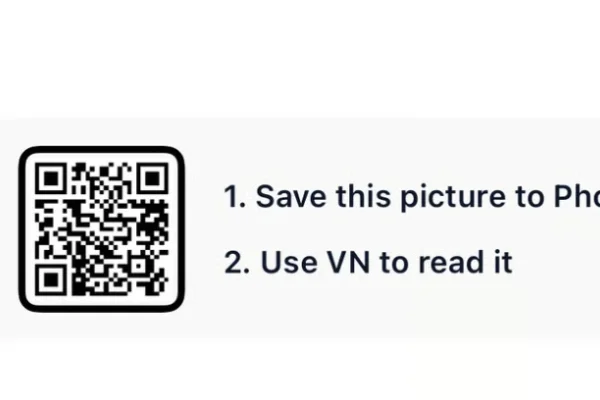
How to Use the Qubool Hai VN Code 2026 QR Code:
- 1. How to Use the Qubool Hai VN Code
- 2. Save the QR code to your phone's gallery.
- 3. Open VN Video Editor — free on both Android and iOS.
- 4. Tap the scan icon near the top of the app's home screen.
- 5. Select the saved QR code image; the template loads with its transitions, zoom effects, and music already set.
- 6. Add your own photos or clips into the available slots — most versions need around 6 clips.
- 7. Preview the full edit, checking that the beat-synced cuts land cleanly.
- 8. Export in HD and post to Instagram Reels, YouTube Shorts, or share as a WhatsApp status.
For the cleanest result, replace each template clip with high-resolution vertical (9:16) footage, and keep the original beat markers so your transitions stay perfectly in sync with the music.
More Wedding Assets
View All
Wedding VN Template 2026
View Asset Pre Wedding VN Template 2026
View Asset